Fresh & Fast: What’s New in DivX 11
Whether you are archiving an expansive video collection, converting video files for a family road trip, or simply sitting down to enjoy your favorite media, your software should make the experience seamless.
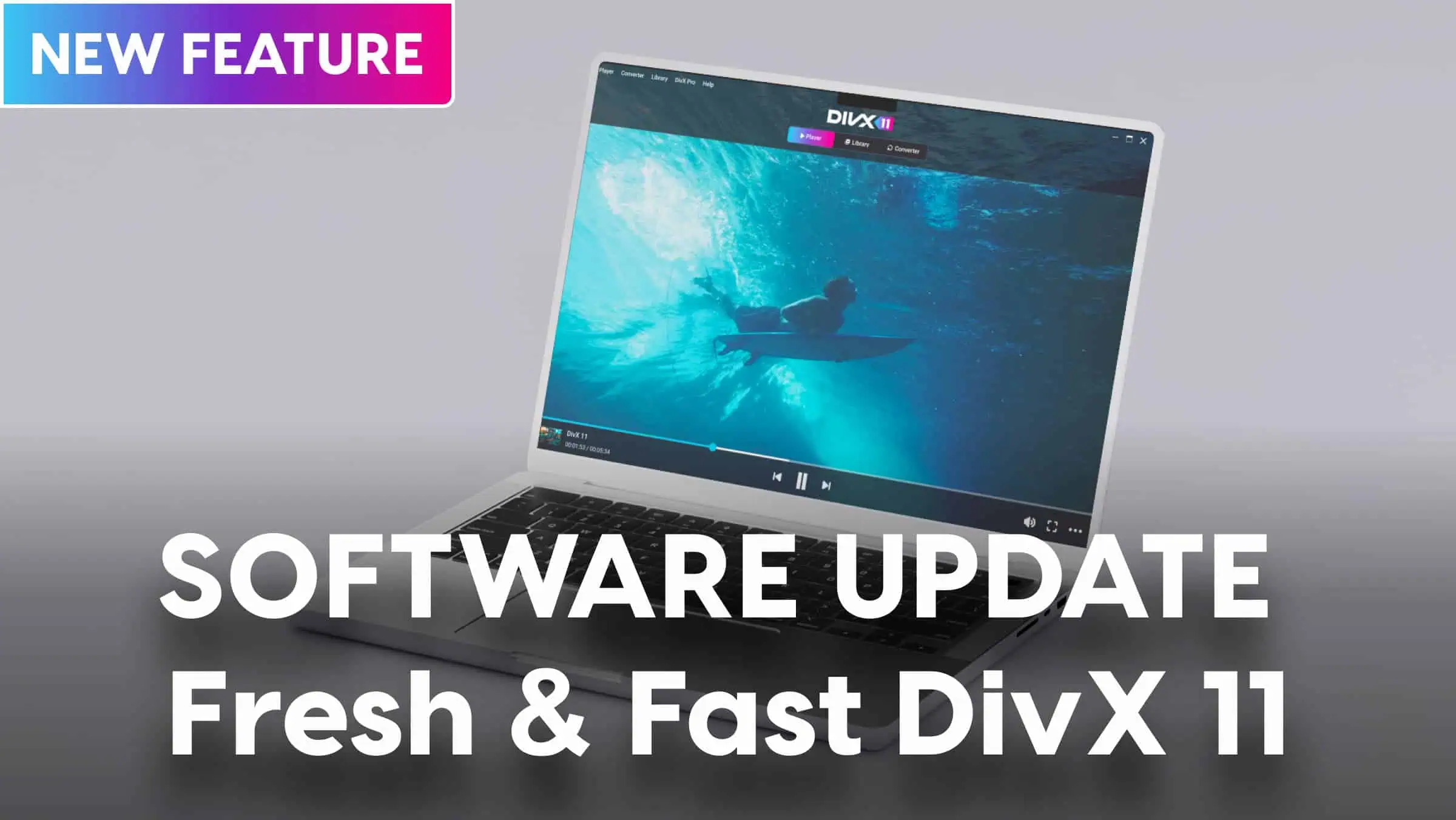
That’s why we are excited to introduce DivX Software version 11.15 for Windows and Mac.
  |
This latest update is entirely focused on stripping away friction. From a faster engine under the hood to a cleaner, more intuitive interface, DivX 11.15 makes it easier than ever to play, convert, and organize your media library. Here is a look at what’s new, what’s updated, and how these changes upgrade your video workflow.
What’s New in DivX 11.15
We’ve listened closely to user feedback to build a smoother, highly visual environment right from the moment you launch the application.
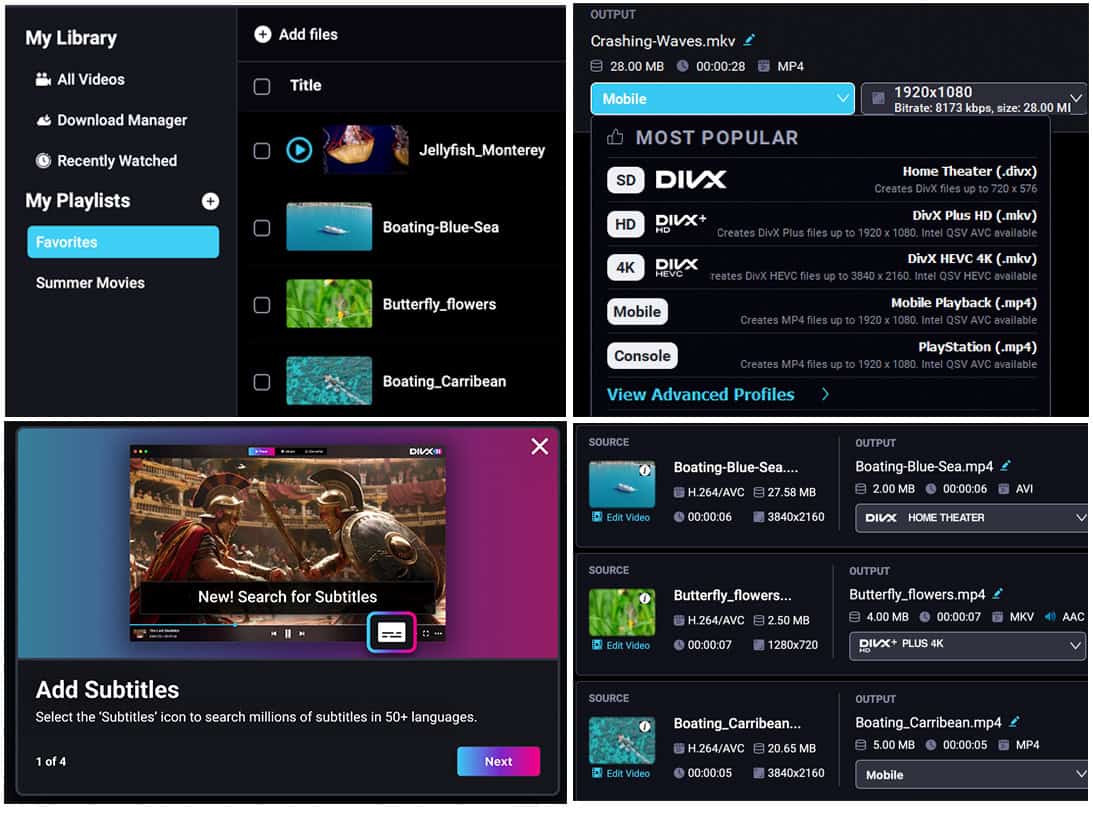
- Easy Onboarding: New to DivX or exploring features you haven’t used before? DivX 11.15 introduces helpful, informational tooltips upon startup to guide you through our most powerful features, helping you get the most out of your software.
- Simpler Video Conversion: Our dynamic Converter is one of our most popular tools. We’ve streamlined the layout and workflow so you can drag, drop, and optimize your media formats with ease.
- Visual Library and Search: No more hunting through lists of generic text titles. Your media Library and search results now display clear thumbnail images, allowing you to identify your videos at a single glance.
- Speedy Startup: We’ve optimized the software core to dramatically lower startup times. DivX Software now launches significantly faster, getting you straight to your videos without the wait.
Under the Hood: Performance Improvements
In addition to the visual overhaul, our engineering team spent significant time refining our core engines to maximize stability and performance.
- Multi-Profile Batch Conversion: You can now convert multiple files with different output profiles simultaneously. If you need to convert an MKV file to an MP4 for your iPad and convert a separate video to DivX Home Theater for your TV at the exact same time, DivX handles the parallel processing smoothly.
- Send to Converter: Moving files from your playback environment into your conversion queue is now seamless, thanks to a streamlined “Send to Converter” function directly from your Library window.
- Smoother Player Controls: We’ve improved Player video scrubbing. Manually fast-forwarding and rewinding through your videos is easier than ever.
- Refined Pro Aesthetic: For our advanced users, we have upgraded the DivX Pro branding for a premium look and feel.
- Platform Stabilization: We’ve simplified the overall Preferences menu to make advanced configuration easy, and we have successfully resolved specific errors plaguing Mac users.
Alongside these updates, dozens of minor bug fixes and stability enhancements have been implemented to give you the most reliable desktop video experience possible.
Upgrade Your Playback Today
The digital video landscape moves fast, and your tools should move faster. DivX Software 11.15 brings the perfect balance of lightweight speed, professional-grade multi-file encoding, and modern visual organization to your desktop.
The update is live right now. Download DivX Software 11.15 for free on Windows or Mac to experience a cleaner, faster way to manage your media.