

MKV vs. AVI: What’s the Difference and Which Should You Use?
If you’ve spent any time organizing an extensive home video archive or downloading digital media over the past couple of decades, you’ve almost certainly encountered files ending in .avi and .mkv.
While AVI represents the golden standard of legacy digital video, MKV is widely considered the modern powerhouse for high-definition entertainment. But if you’re managing a mixed-format media library, you might be asking: What is the true difference between MKV and AVI? And when discussing AVI vs MKV quality, does one genuinely look better than the other?
At DivX, our video technology has powered both formats across billions of screens worldwide. Here is your definitive guide to understanding MKV vs AVI and determining which container is best suited for your collection.
The Fundamentals: Suitcases, Not Codecs
Before jumping into feature sets, it helps to revisit a foundational video concept: MKV and AVI are container formats, not video codecs.
As explored in our guide on understanding file sizes and compression, a container acts like a digital luggage bag. It holds video tracks, audio tracks, and subtitles together in a single file.
The actual visual clarity and resolution are determined by the codec (such as DivX, H.264 or HEVC) packed inside that suitcase. Because both MKV and AVI can wrap around high-bitrate video data, neither format automatically guarantees “better” picture quality on its own. Instead, their differences lie in capability, features and age.
AVI: The Reliable Legacy Standard
Introduced over 30 years ago, AVI (Audio Video Interleave) is one of the oldest and most enduring video container formats on the internet. During the early days of digital video, AVI paired with the original DivX codec revolutionized video compression.
Why Use AVI?
- Universal Legacy Support: AVI files run seamlessly on older systems, legacy DVD players, car head units, and vintage media setups without needing modern codec updates.
- Simple Structure: For straightforward video playback with a single audio track, AVI is lightweight and extremely straightforward.
The Limitations of AVI:
- Outdated Architecture: Developed in the early 1990s, AVI lacks native support for some modern features.
- Overhead & File Size: AVI containers carry higher structural overhead, resulting in slightly larger files compared to modern alternatives holding the exact same video content.
MKV: The Modern, Feature-Packed Powerhouse
The MKV video container (Matroska) was designed as an open-source, highly adaptable container format built for the future of multimedia. It has largely replaced AVI for modern high-definition and 4K media collections.
Why Use MKV?
- Unmatched Flexibility: MKV can hold an unlimited number of video, audio, picture and subtitle tracks inside a single file.
- Soft Subtitles & Chapter Support: You can toggle multiple subtitle languages on and off or skip directly to specific movie scenes – features AVI doesn’t handle natively.
- Modern Codec Compatibility: MKV seamlessly handles cutting-edge compression standards like H.264, HEVC (H.265), and AV1, alongside high-end lossless audio formats.
The Limitations of MKV:
- Legacy Incompatibility: Older hardware (such as legacy car stereos or vintage home theater receivers) often won’t recognize MKV files natively.
Managing a Mixed Media Library with DivX Software
If your hard drive is a mix of legacy AVI archives from the 2000s and pristine MKV files from recent years, juggling compatibility can get frustrating fast.
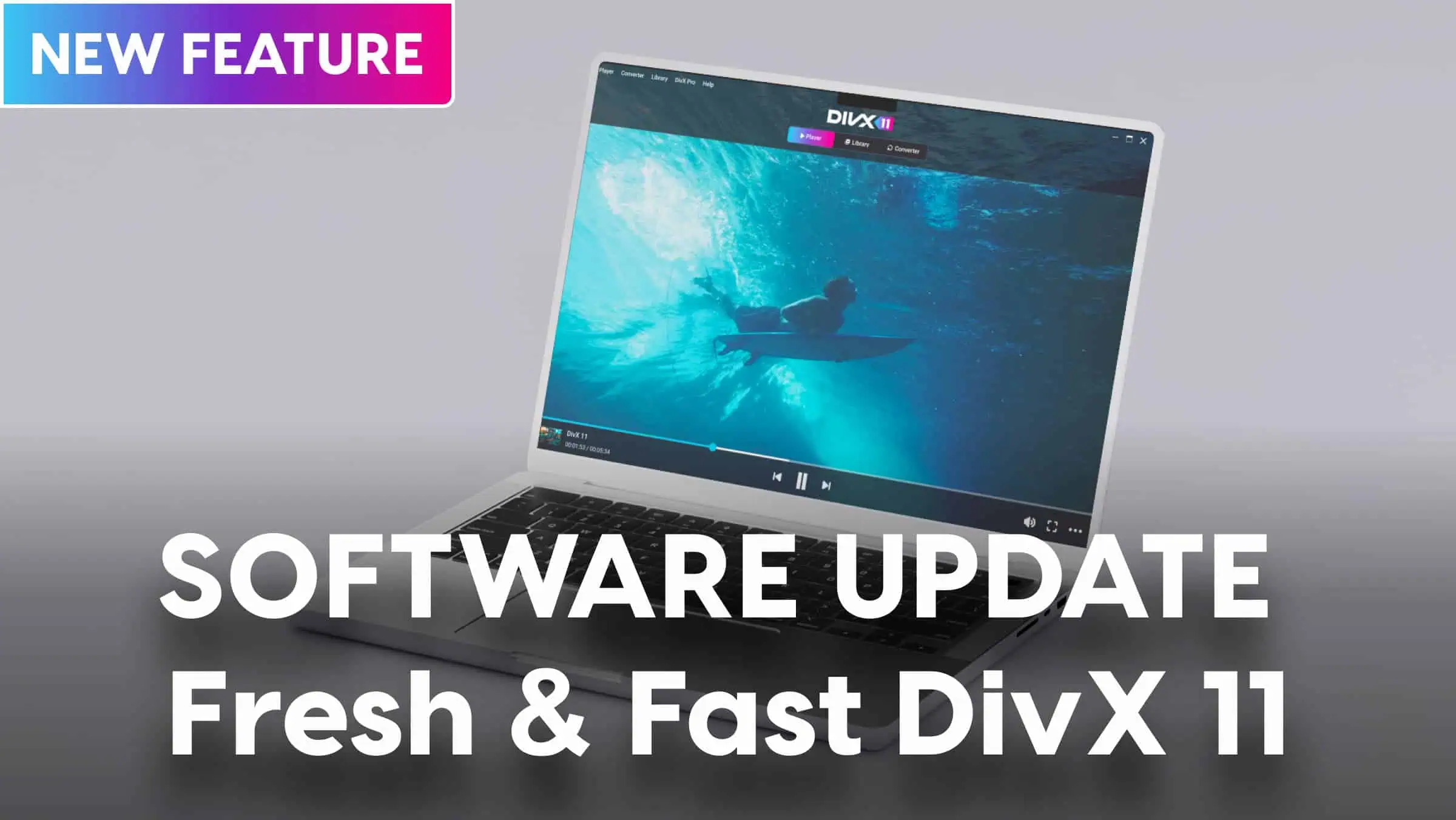
That’s where DivX 11 Software provides a unified solution:
- Effortless Playback: DivX Player handles both legacy AVI files and high-bitrate MKV containers with smooth playback, multi-track audio switching, and precise subtitle rendering.
- One-Click Conversion: Have an MKV video that won’t play on an older AVI-only car media system? Or an outdated AVI file you want to modernize into an MP4 or MKV for tablet streaming? DivX Converter lets you swap containers or re-encode files in seconds using simple, pre-configured device profiles.

The Verdict: Which Format Should You Choose?
- Stick with AVI if you are archiving legacy content specifically meant for older hardware, early-generation car systems, or vintage standalone DVD players.
- Choose MKV for your main home media library, 4K movies, and multi-language collections where high-definition video, togglable subtitles, and multi-channel surround sound matter most.
Ready to take control of your video collection regardless of format? Download DivX Software for free on Windows or Mac to play and convert your entire video library seamlessly.
Also, check out our post on MKV vs. MP4 to get more details on popular video containers.