Streamline Your Workflow: Effortless AVI to MP4 Conversion with DivX
So, you’ve got that classic movie or a treasured home video saved as an AVI file. It plays great on your computer, but the moment you try to watch it on your iPhone, iPad, or PlayStation, you hit a wall. It just won’t play.
It’s a common scenario, and it can feel like a major technical headache. But what if I told you the solution is not only simple but you might already have the perfect tool for it?
Converting your AVI files to the more universal MP4 format is the answer. And with free DivX 11 Software, this process is about as “effortless” as it gets. Let’s break down why you’d want to do this and how you can get it done in just a few clicks.
Why Bother Converting from AVI to MP4?

This is a great question. Why go through the trouble? The answer boils down to one word: compatibility.
Think of AVI as an older, respectable format. Useful, but a bit rigid. The MP4 format, on the other hand, is the modern, flexible standard that nearly every device on the planet is built to understand.
The most common reason you’ll need to convert is for devices that don’t let you install new players, such as:
- Mobile Phones and Tablets: Your iPhone and Android phone are designed to play MP4 files natively. They don’t support AVI out of the box.
- Game Consoles: Your PlayStation or Xbox is a fantastic media center, but it’s picky about formats. MP4 is its preferred language.
- Smart TVs: While some TVs play AVI, many don’t. MP4 is a much safer bet for universal playback.
By converting to MP4, you’re essentially creating a universal key that unlocks your video on almost any screen, anywhere. This is especially true if you’ve got a long flight ahead and want to load up your tablet with movies!
The Easiest Way: Using DivX Converter

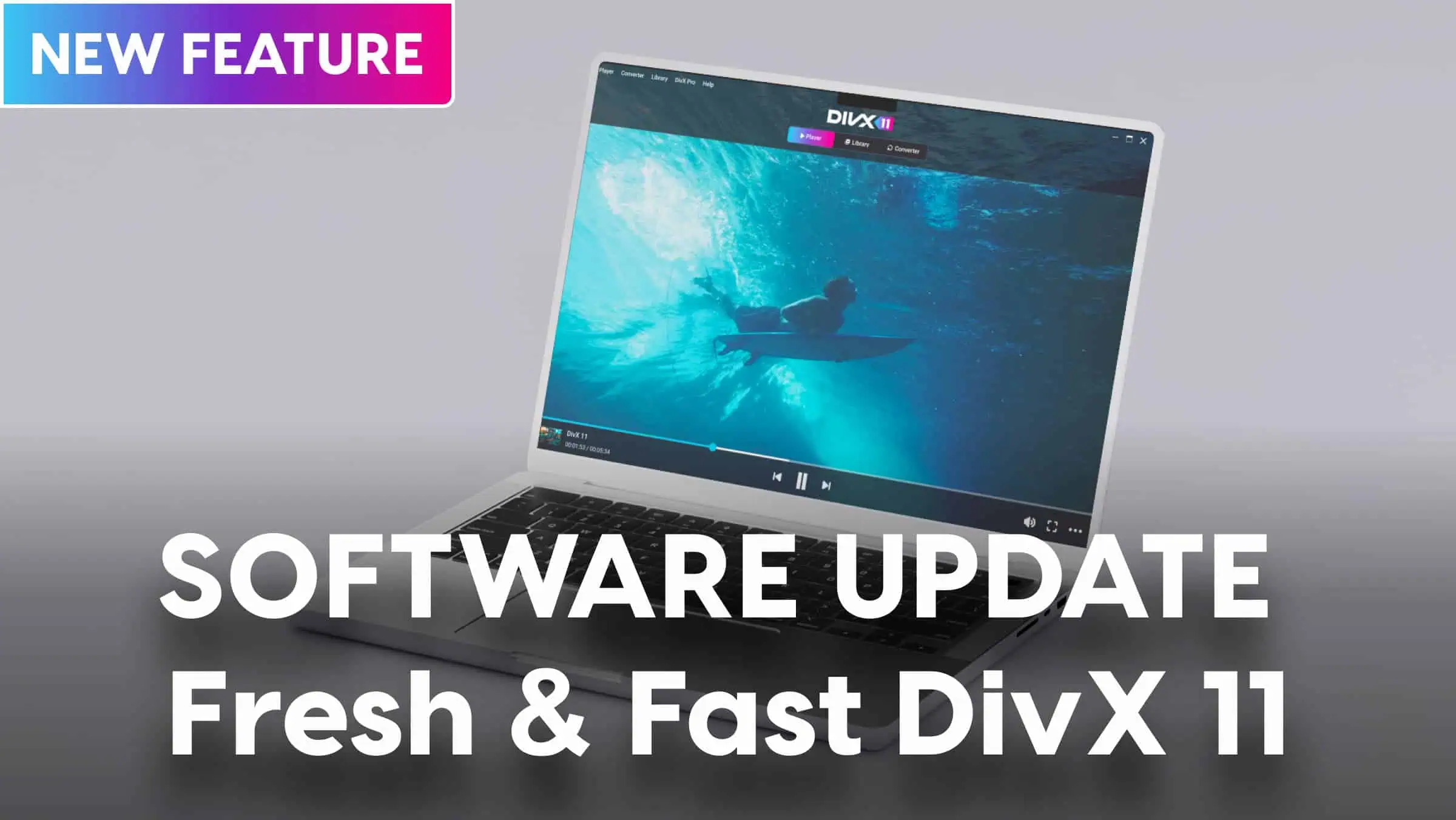
When you download free DivX Software, you don’t just get a world-class video player. You also get the powerful DivX Converter, a tool designed with one goal in mind: to make video conversion incredibly simple.
Forget complicated settings and confusing menus. The beauty of the DivX video conversion tools is the “drag, drop, and go” philosophy.
Here’s the simple, step-by-step process:
- Open DivX Converter: You’ll find it in your DivX Software application.
- Drag and Drop Your File: Grab your AVI file (or even a batch of them!) and drop it directly into the converter window.
- Choose Your Profile: This is the best part. Instead of worrying about technical settings, you just select where you want to watch the video. You’ll see simple profiles like “iPhone,” “iPad,” “PlayStation,” etc. Just pick one.
- Click “Start”: The converter takes care of the rest, creating a high-quality MP4 file perfectly optimized for your chosen device.
That’s it. It’s a truly effortless workflow.
And for those who like to tinker? The good news is that DivX Converter also offers advanced settings if you want more manual control over things like resolution and bitrate. But for this guide, let’s stick to the “easy peasy” method that works perfectly for 99% of us.
Simple Troubleshooting When Things Go Wrong
The whole idea behind DivX Converter is that it just works. But if you do run into a snag, it’s rarely a complex video issue. It’s usually something much simpler.
Instead of diving into confusing error codes, here are a few practical things to check first:
- Do you have enough disk space? This is the most common culprit! Video files are large, and your converted MP4 file will also need space. Make sure you have plenty of free room on your hard drive before you start.
- Is the original file okay? If your source AVI file is corrupted or incomplete, the conversion might fail. Try playing the original file in DivX Player first to make sure it’s intact.
Is your USB drive big enough? If you’re converting the file to move it to a game console via a USB stick, double-check that the stick has enough free space for the new MP4 file.
The Smartest Way to Take Your Videos Anywhere
In the end, converting from AVI to MP4 is all about freedom—the freedom to watch your videos on any device you own.
While there are many tools out there, DivX Converter offers the most streamlined and trustworthy path. You don’t need to download a separate, questionable program from the web. You get a powerful, easy-to-use converter as part of the same free, respected software suite you use for playback.
It’s the perfect way to take your entire video collection with you, no matter where you go.