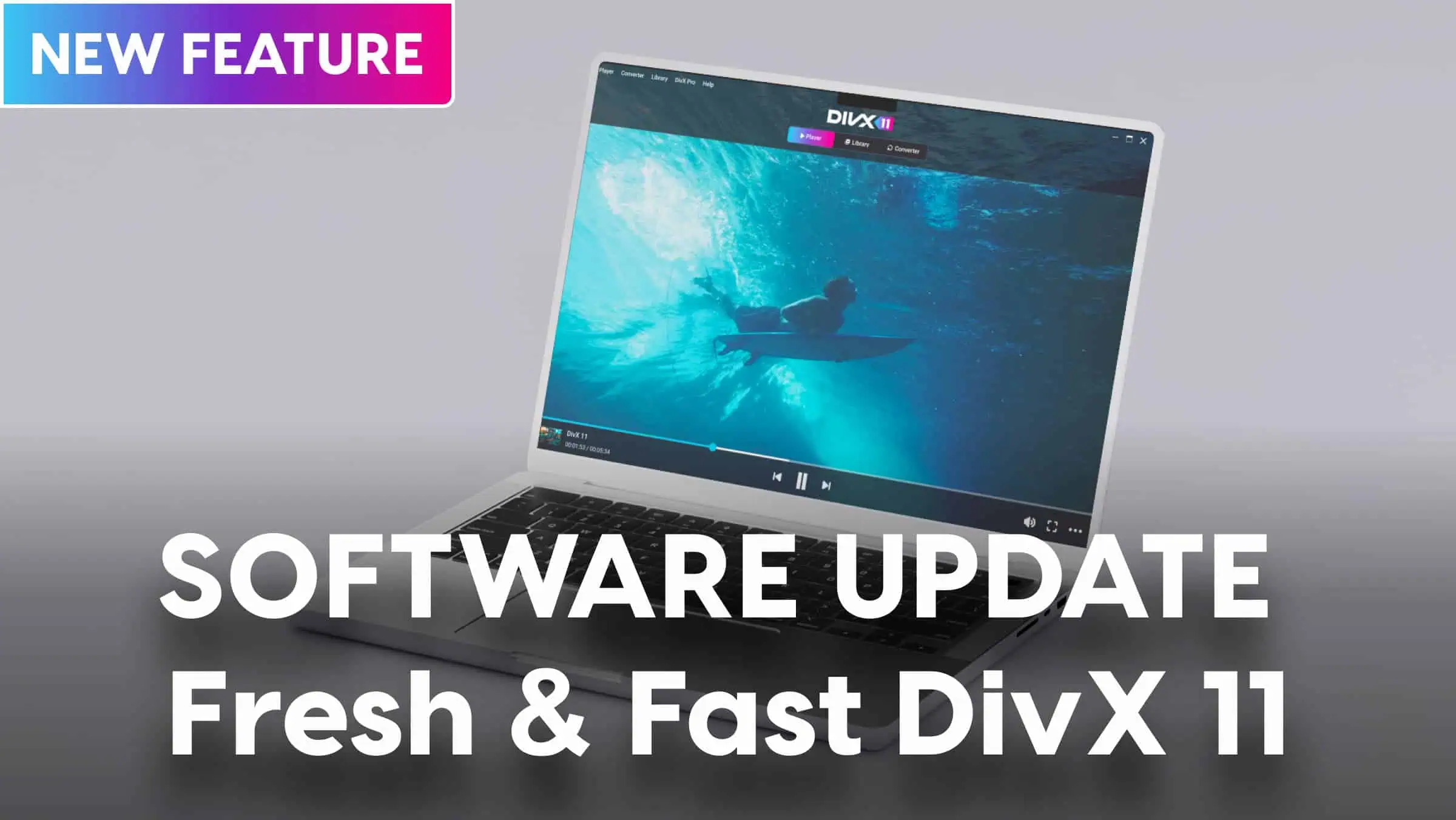
Convert Video for Free with DivX® – The Trusted, High-Quality Solution
Looking for the easiest, safest way to convert video for free, without sacrificing quality? Welcome to DivX, the software with over a billion downloads and recognized for more than 25 years of video innovation.
Whether you need to convert a video for your phone, tablet, computer, or TV, DivX makes it effortless to get your videos working anywhere, every time.
Discover why millions have relied on DivX not just for conversion, but for a seamless, reliable video experience across all their devices.
Why Convert a Video? Common Problems and Real-World Solutions
If you’ve ever tried to play a video and been met with an error message, you’re not alone. The modern day digital world is packed with different file formats, devices, and compatibility headaches.
Here are some of the most common scenarios where video conversion becomes essential:
- “My video won’t play on my TV or phone.”
Maybe you downloaded a video from the internet, recorded something on your camera, or received a file from a friend only to find it won’t open or display correctly on your device. Different devices support different formats, and not every video just “works out of the box”. - “I need to share this video with friends or family.”
Sending large or incompatible files can be a struggle, especially when emailing or uploading to cloud services. Converting your video to a widely supported format like MP4 makes sharing simple and stress-free. - “I want to reduce the file size for email, cloud storage, or mobile use.”
High-resolution videos can take up a lot of space and may be too large to send or upload. Converting and compressing helps you save storage and bandwidth, without losing the moments that matter. - “I need to prepare a video for social media or a specific platform.”
Each platform has its own requirements for video format, resolution, and file size. Conversion ensures your content looks great and uploads smoothly, whether it’s for Instagram, YouTube, or another channel.
At DivX, we believe you shouldn’t have to choose between “free” and “watchable.” DivX respects your video, preserving clarity, sync, and playback reliability, even at higher resolutions.
We’re here to remove the guesswork, jargon, and frustration from video conversion, so you can focus on enjoying and sharing your content, not troubleshooting it.
What Makes DivX Different?
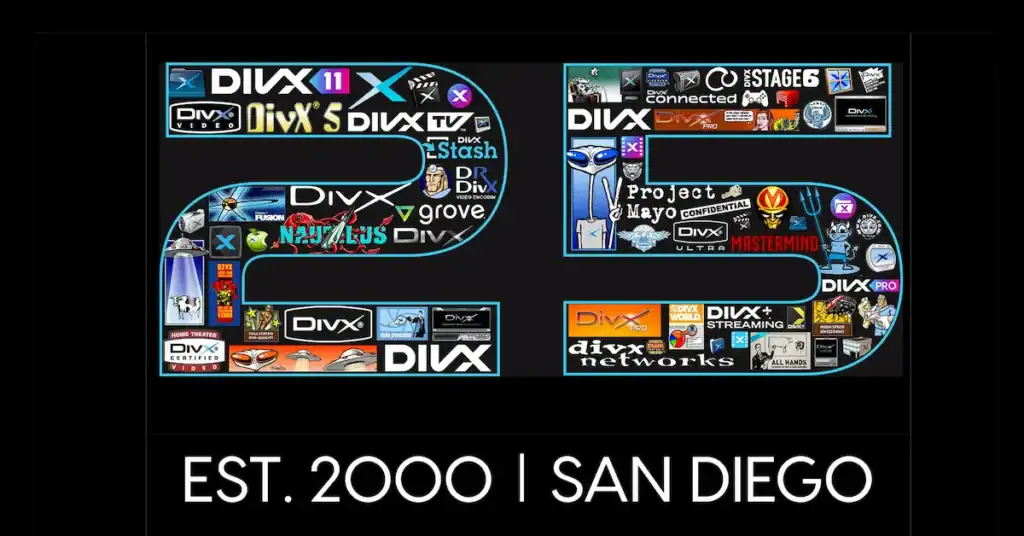
25+ Years of Video Innovation
- Over a quarter-century of leadership in digital video technology.
- Empowering people to enjoy video anywhere, on any device.
- 1+ billion software downloads, a testament to global trust and reliability.
- Trusted by leading brands and certified on billions of devices worldwide.
- Legacy built on expertise, innovation, and making video work for real people.
Safe and Secure
- You can safely install this. DivX is built on technical excellence and a deep respect for your privacy.
- No aggressive upsells, hidden malware or bait-and-switch tactics.
- Straightforward, reliable software from a proven video authority.
- Your files and privacy are always respected, unlike risky online converters.
Unified Video Experience: Convert, Play, Cast
- DivX is more than just a converter, it’s a unified video ecosystem.
- Convert videos to play perfectly on phones, tablets, computers, TVs, and DivX Certified® devices.
- Play your favorite movies and videos in high quality.
- Cast or stream to other screens (Windows only), all from one trusted platform.
- Enjoy freedom, flexibility, and peace of mind with DivX at the center of your video experience.
How to Convert a Video for Free with DivX (Step-by-Step Guide)
At DivX, we believe converting a video should be simple, stress-free, and accessible to everyone, no technical background required. Here’s exactly how we do it:
Step 1: Download and Install DivX Software
- Download DivX Converter for Free.
- Follow the prompts to install the software on your computer.
Step 2: Drag and Drop Your Video File
- Open DivX Software and click on the Converter tab.
- Simply drag your video file into the Converter window.
Step 3: Choose a Profile or Smart Preset
- Select a “profile” from the dropdown menu.
- A profile is a set of optimized settings for a specific device or format (like MP4 for phones, AVI for older TVs, etc.)
- Not sure what to pick? DivX offers smart presets that take the guesswork out, just choose your device or the most common format.
Step 4: Click “Convert All” and Let DivX Do the Work
- Hit the blue “Convert All” button.
- DivX will automatically convert your video using the best settings for your chosen profile.
Step 5: Download or Locate Your Converted File
- When the conversion finishes, you’ll get a notification.
- Your new video will be saved in your chosen folder. Ready to play, share, or upload anywhere.
Supported Formats and Devices – No More Compatibility Headaches
When it comes to video conversion, the biggest frustration is often device compatibility. DivX is designed to eliminate that headache by supporting the formats and devices you actually use every day.
Popular Formats Supported by DivX:
- MP4 – The most widely used format for phones, tablets, computers, and streaming.
- AVI – Common for older cameras, TVs, and legacy video archives.
- MKV – Popular for high-definition movies, TV shows, and advanced features like subtitles.
- HEVC (H.265) – Delivers high-quality video at smaller file sizes, perfect for 4K and modern devices.
- DivX – The original high-quality, compressed video format.
- MOV, WMV, FLV, and more – DivX supports a wide range of additional formats, so you’re covered no matter what file you have.
No more hunting for special software just to play or convert a file you received. DivX is built for real-world needs and real-world files.
Device Profiles for Effortless Compatibility:
- Phones and Tablets: Apple, Android, Samsung, and more, DivX’s smart presets make it easy to optimize for your specific device.
- Computers: Windows and Mac support for smooth playback and sharing.
- Smart TVs and Streaming Devices: Prepare your videos for the big screen, whether you’re using a modern smart TV or a DivX Certified device.
- DivX Certified Devices: Enjoy seamless playback on billions of certified devices worldwide.
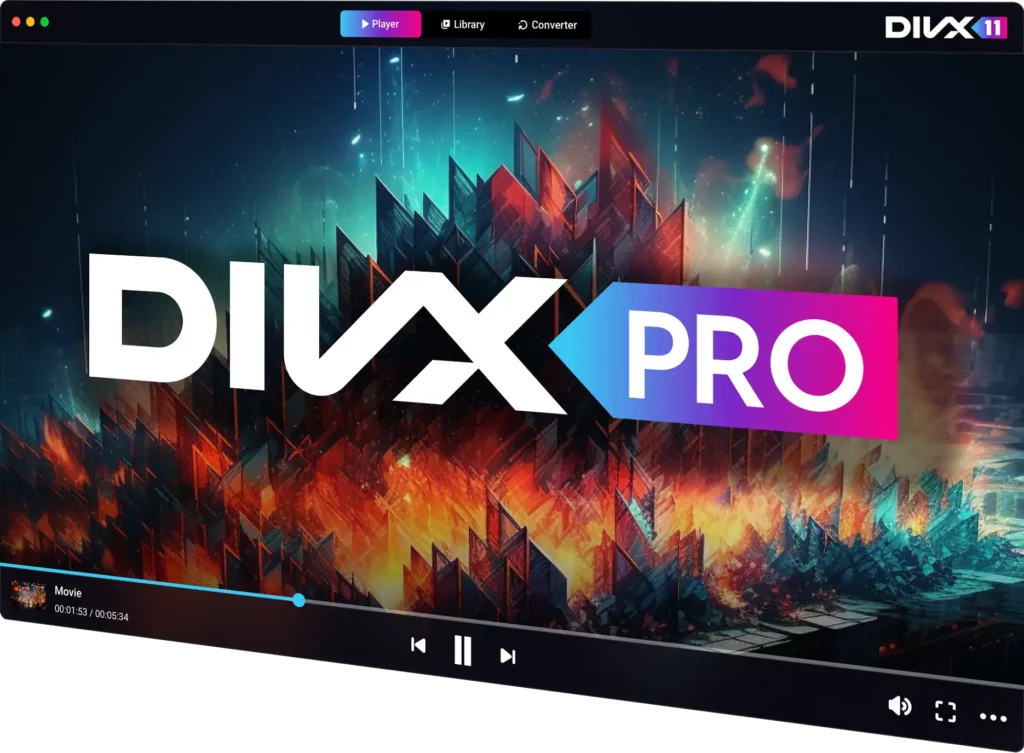
Advanced Features for Power Users (DivX 11 Pro)
DivX Converter is designed to make video conversion simple for everyone, but for those who want more control, DivX Pro unlocks a suite of advanced features.
Upgrading is completely optional: the free version covers all the basics, while Pro is there if you ever need extra power or customization.
What’s Included with DivX Pro?
- Advanced Settings: Fine-tune resolution, bitrate, aspect ratio, and more for professional-level results.
- Codec Support: Add support for unencrypted MPEG-2 and VC-1 files.
- Custom Output Controls: Choose exactly how your videos are encoded, ensuring perfect compatibility and quality for your specific needs.
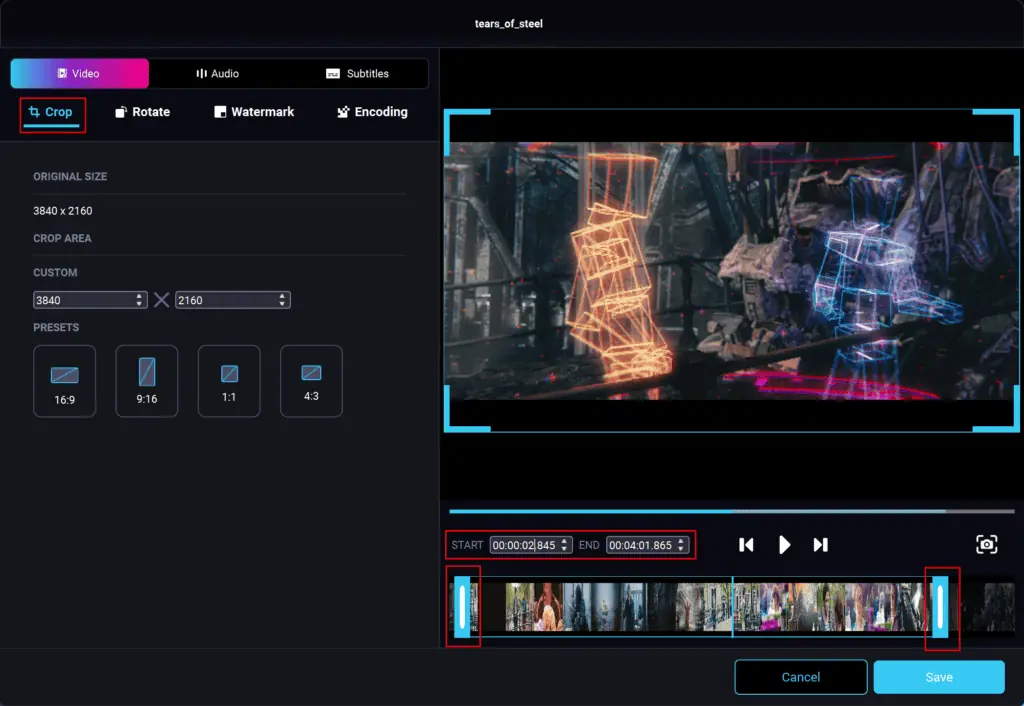
- Basic Video Editing: Easily trim videos before converting or use presets to crop videos to specific sizes (e.g. 16:9, 9:16, 1:1 and 4:3)
Why Advanced Users Love DivX Pro:
“Our users are more than just viewers; they are curators of their own digital media libraries. We’re launching these resources to demystify the process and empower our community with the knowledge to get the most out of their video collections. Our goal has always been to provide a high-quality, seamless video experience” — Jim Styn, Senior Director, Marketing
With DivX, you’re always in control, whether you want simple, one-click conversions or the ability to fine-tune every detail.
Upgrade to DivX Pro – Unlock Advanced Features

Troubleshooting Common Issues
Even with the best tools, questions can come up.
Here’s how DivX helps you quickly solve the most common video conversion challenges:
Playback Sync Issues
- Problem: Audio and video are out of sync after conversion.
- Solution:
Make sure you’re using the latest version of DivX Software.
Try converting with a different preset optimized for your device.
If the problem persists, visit the DivX Support Center for step-by-step troubleshooting.
Quality Loss
- Problem: The converted video looks blurry or pixelated.
Solution:
Select a higher resolution or quality setting in the conversion profile.
Avoid excessive compression, sometimes reducing file size too much can impact quality. For best results, use DivX Pro to fine-tune bitrate and output settings.
Large File Size
- Problem: The converted file is too big to email or upload.
Solution:
Choose a lower resolution or use a profile designed for mobile or web sharing.
Use the “Custom” settings to reduce bitrate or enable compression.
Batch convert with DivX Pro to optimize multiple files for size and quality.
Device Incompatibility
- Problem: The video won’t play on your TV, phone, or other device.
Solution:
Use DivX’s device-specific profiles to ensure compatibility.
Double-check that you’ve selected the correct output format (e.g., MP4 for most modern devices).
Installation or Startup Issues
- Problem: Trouble installing DivX or launching the Converter.
Solution:
Download DivX only from the official DivX website to ensure safety.
Disable conflicting antivirus or firewall settings temporarily if the installer is blocked.
For persistent issues, contact DivX Support for personalized help.

Best Practices for High-Quality Conversion
Want your converted videos to look as good as the original? Follow these proven tips to maintain clarity, sync, and smooth playback:
Choose the Right Format:
- For most users, MP4 (H.264) is the best balance of quality, compatibility, and file size.
- Use HEVC (H.265) for 4K or high-efficiency needs, especially on newer devices.
Select an Appropriate Resolution:
- Match the output resolution to your target device (e.g., 1080p for most TVs and laptops, 720p for mobile).
- Avoid upscaling low-resolution videos, as this won’t improve quality and may make the video look worse.
Optimize Bitrate:
- Higher bitrates generally mean better quality, but also larger files.
- For web sharing or email, choose a lower bitrate; for Home Theater or archiving, go higher.
- DivX Pro users can fine-tune bitrate for the perfect balance.
Use Device-Specific Profiles:
- DivX’s smart presets automatically select the best settings for your device, eliminating guesswork.
Keep Your Source File High Quality:
- Start with the best possible original file. Conversion can’t add quality, it can only preserve what’s there.
Batch Convert with Consistent Settings (DivX Pro):
- For large projects, use batch conversion to ensure all your videos are consistent in quality and format.
Frequently Asked Questions
Is DivX really free?
Yes! DivX Converter (part of DivX 11 Software) is completely free to download and use for your everyday video conversion needs. There’s no hidden cost, no required subscription, and no aggressive upsells. If you want advanced features (like custom settings), DivX Pro is available as an optional upgrade, but the basic converter remains free forever.
Will my video lose quality?
No. DivX is designed to preserve the clarity, sync, and playback reliability of your original video. The software uses smart encoding to maintain high quality, even when compressing or converting to different formats. For those who want even more control over quality, DivX Pro offers advanced settings to fine-tune every detail.
Is it safe to install?
Absolutely. DivX has been trusted by over a billion users worldwide for more than 25 years. Our software is secure, and free from hidden malware or bloatware. Always download from the official DivX website for the safest experience.
What formats are supported?
DivX supports all the popular formats you actually use, including:
MP4, AVI, MKV, HEVC (H.265), DivX, MOV, WMV, FLV, and more
This means you can convert nearly any video file to work on your device, no more compatibility headaches.
How do I convert for a specific device?
It’s easy! DivX offers smart device profiles and presets. Just select your target device (like iPhone, Android, Smart TV, etc.) from the preset list, and DivX will automatically apply the best settings for smooth playback. No technical guesswork required, just pick, convert, and play.
Still have questions? Visit the DivX Support Center for more answers and personalized help.
Get Started Now – Convert Your First Video with DivX®
Ready to experience the easiest, safest way to convert video for free?
Download DivX Converter Free and see why millions trust DivX for high-quality, hassle-free video conversion.
With DivX, you’re not just converting videos, you’re unlocking a complete video experience. Convert, play, and cast your favorite content across all your devices with confidence.
Get started now and discover the freedom of video that just works.
Additional Resources & Next Steps
Looking for more help or want to get the most out of your DivX experience? We’ve got you covered:
- DivX Support Center
Find answers to common questions, troubleshooting guides, and personalized support from our expert team. - DivX Tutorials & Resources
Step-by-step guides, tips, and best practices to help you master video conversion