

Quick, Clean, Simple: The Power of Basic Video Editing in DivX Pro
If you’ve ever launched a heavyweight non-linear video editor just to cut out five seconds of awkward silence at the start of a clip, you know the frustration. Between rendering caches, bloated timelines, steep learning curves, and massive project files, complex software often turns a ten-second fix into a thirty-minute ordeal.
Sometimes, you don’t need multitrack audio mixing or complex transitions. You just need to trim out an unwanted intro, reframe a clip for social media, and convert it to a format that actually plays on your devices.
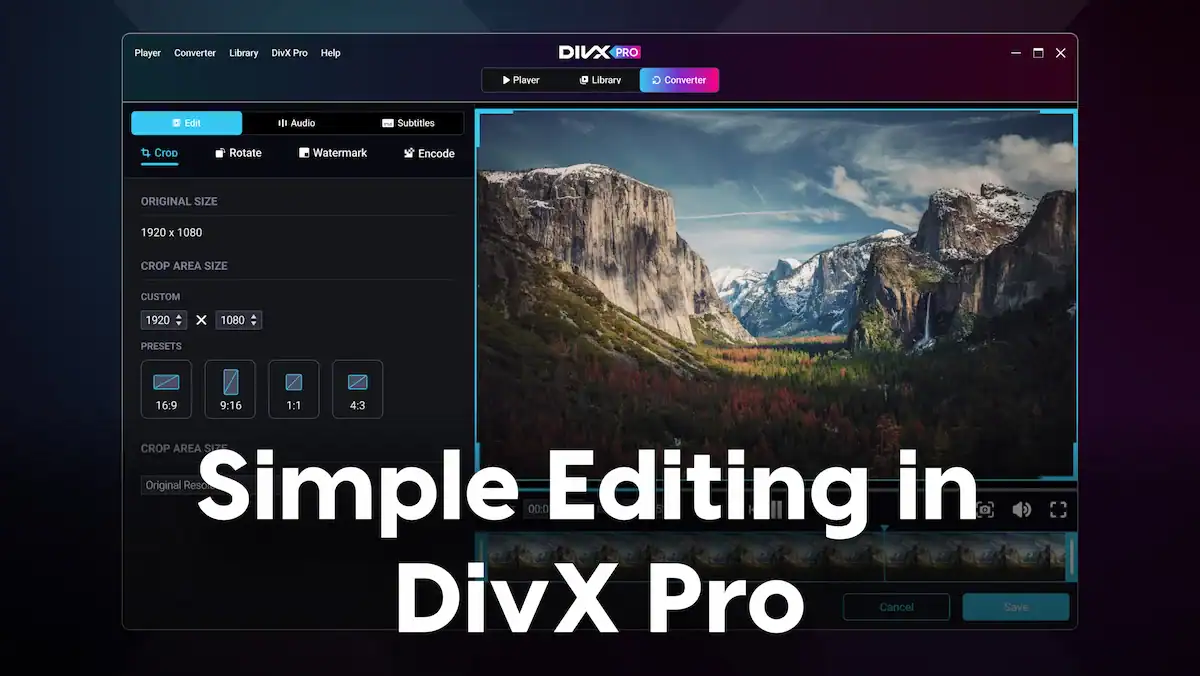
That is where the basic video editing features in DivX 11 Pro shine. Built directly into DivX Converter, these tools eliminate unnecessary friction so you can clean up, resize, and convert your video files all in a single, streamlined step.
Do More Than Just Convert: Built-In Editing Tools
With DivX 11 Pro, DivX Converter goes beyond simple format swapping. By unlocking the built-in editing features, you can perform essential adjustments right before your video processes, saving you time, storage, and hassle.
1. Effortless Trimming
Ever captured some video (such as a screen recording or home video) with dead air at the beginning or an awkward pause at the end?
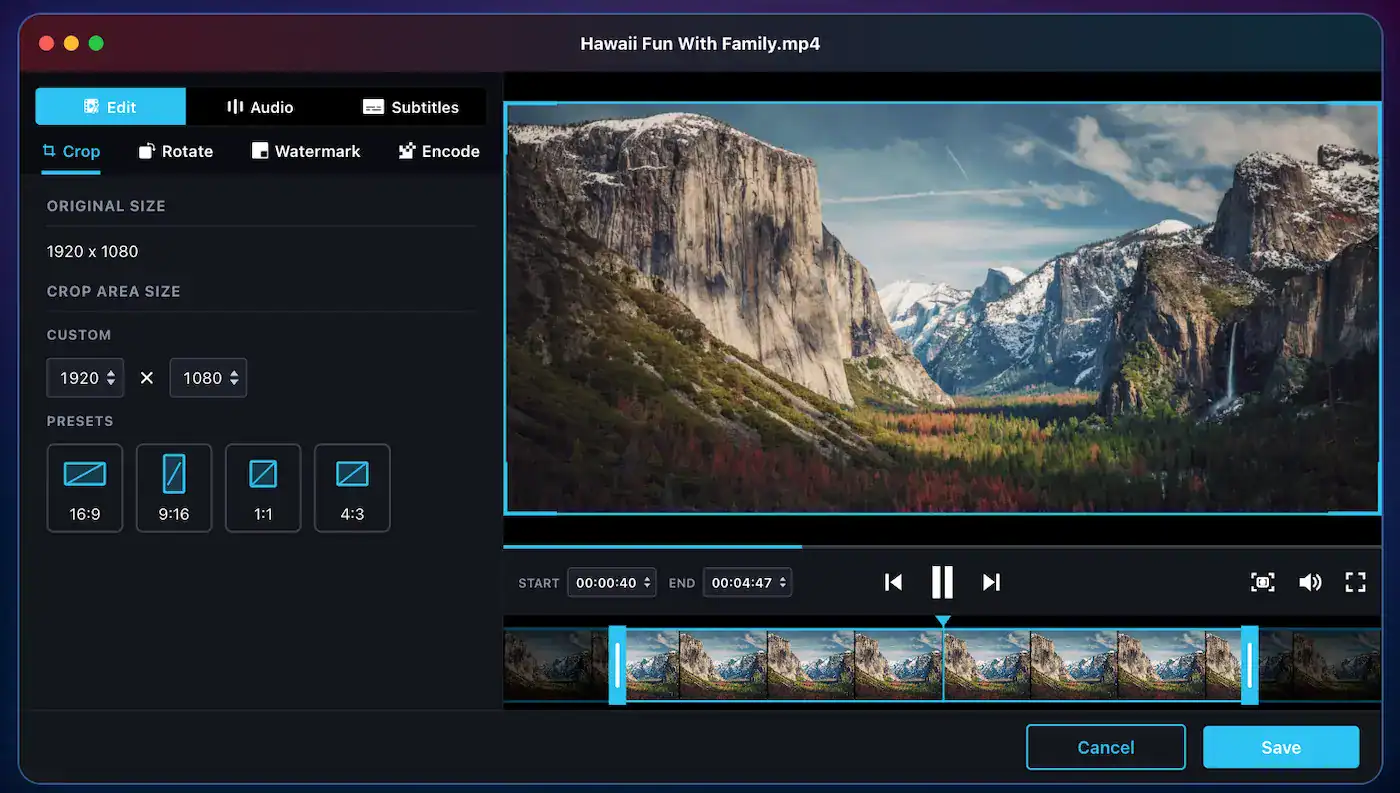
- DivX Pro lets you mark your start and end points directly within the settings window.
- Remove outtakes or trim away unwanted lead-in and outro footage with frame-level accuracy.
- Because the trim happens as part of your conversion workflow, you skip an entire export cycle – your finished file arrives trimmed and encoded to your exact profile of choice.
2. Preset Aspect Ratio Cropping
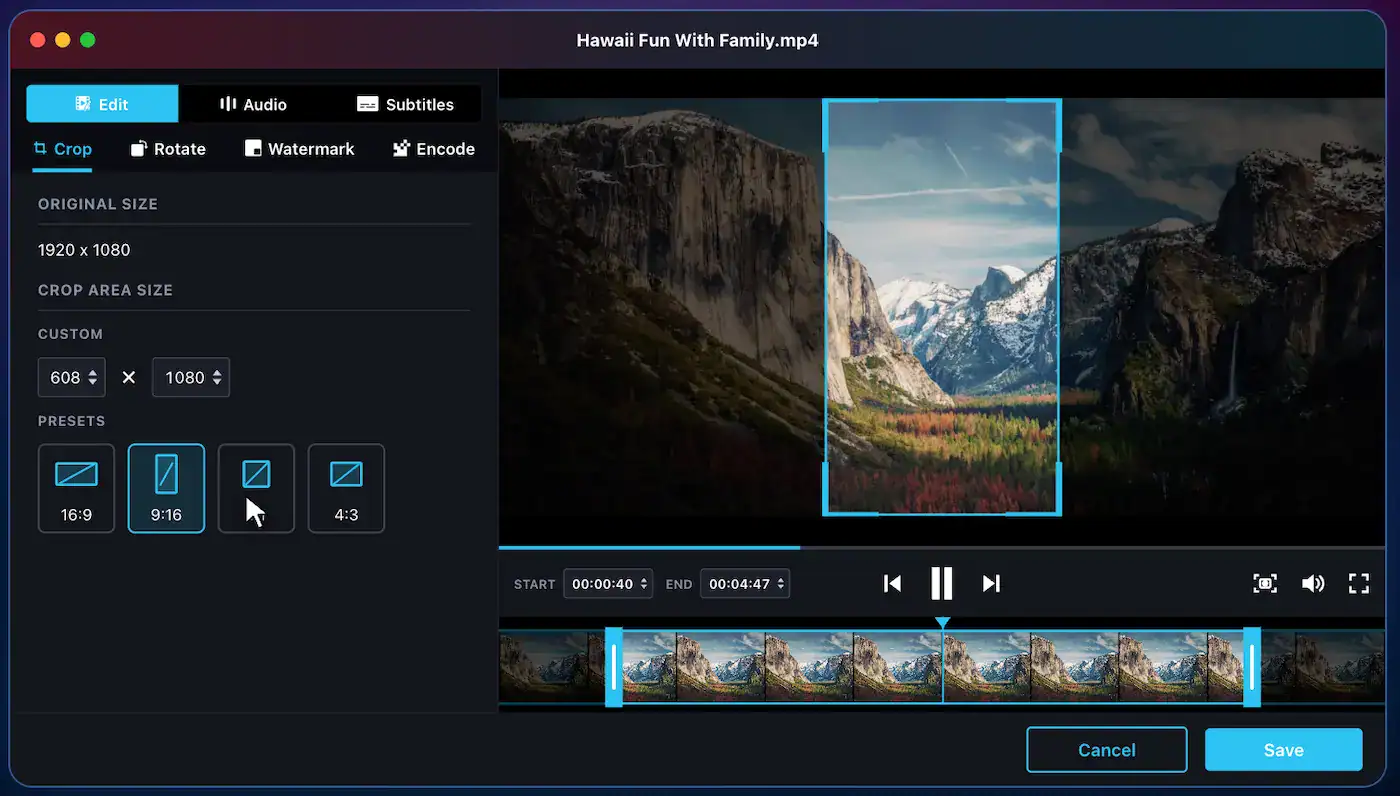
Recording video on cameras, phones, and tablets may leave you with files that don’t quite fit your target screen or social platform. DivX Pro makes reframing simple by offering one-click cropping presets:
- 16:9: Perfect for widescreen TVs, YouTube, and standard computer monitors.
- 9:16: Ideal for vertical video platforms like Instagram Reels, TikTok, and YouTube Shorts.
- 1:1: The classic square format for social media feeds.
- 4:3: Tailored for legacy displays, retro gaming captures, and classic television formats.
No guesswork, no manual pixel math—just pick the preset that matches where you plan to share your clip.
3. Direct Cloud Import via Google Drive and Dropbox
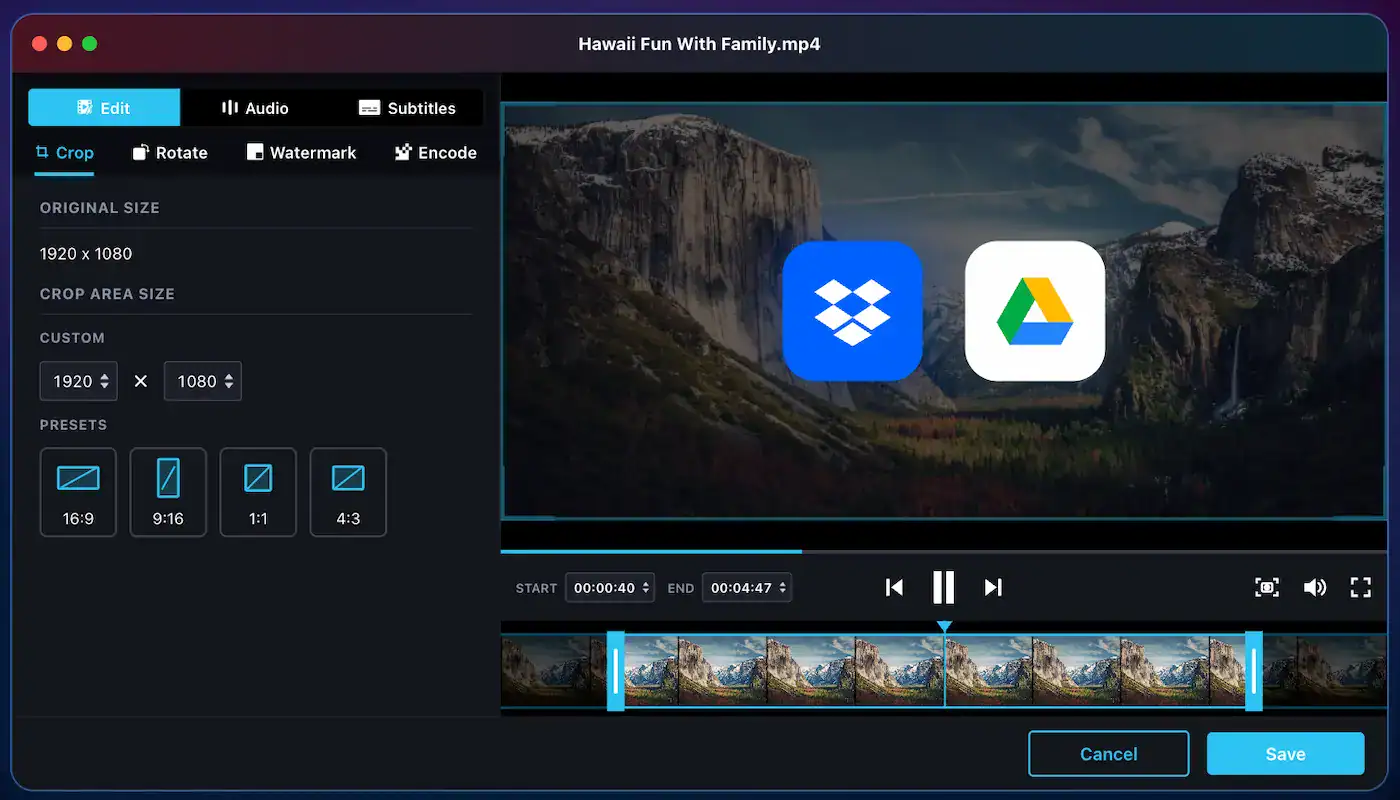
Your media isn’t always sitting on your local hard drive. With DivX Pro, you don’t have to manually download massive video files to your desktop before you begin.
- Connect directly to Google Drive or Dropbox within the application.
- Pull files straight from your cloud storage into the Converter, make your trims and crops, and process your video without cluttering your local downloads folder.
Advantages of “Simple” Editing
There is a time and place for advanced editing suites. Depending on your task, you may need a more advanced video editor. However, for everyday tasks such as prepping video clips for family, cleaning up a clip for a presentation, or formatting a phone video for your smart TV, complexity may be the enemy.
By bundling essential editing controls directly into DivX Converter, you eliminate an entire step in your pipeline. You don’t have to export a massive intermediate file from an editor and then re-encode it in a converter; you set your boundaries, choose your profile, and hit ‘Convert’.
For More Creative Muscle, There’s Movavi Video Editor
While DivX Pro is built for fast trims, crops, and format conversions, we know some projects call for a deeper creative toolkit. If you’re looking to stitch multiple clips together, add background music, or layer on titles and transitions without wading through the steep learning curve of professional studio software, Movavi Video Editor is a great answer.
Movavi Video Editor is an intuitive video editor with customizable video templates, one-click AI tools, and hundreds of drag-and-drop effects. It is a desktop program for Windows and macOS with a clean, visual timeline and features like:
- Creative Storytelling Tools: Multi-track editing, animated transitions, customizable titles, and visual filters.
- Smart AI Enhancements: One-click background removal without a green screen, noise removal, silence removal, automatic subtitle generation, and motion tracking.
- Ready-Made Templates: Customizable templates made of Blocks, short pre-edited segments with editing, music, transitions, and text already in place, so a social reel, presentation, or family recap looks pro-edited.
Think of it as the creative counterpart to your playback setup: use Movavi Video Editor when you need to craft and produce full video stories, and rely on DivX Pro when you need swift trimming, precision reframing, and fast, hardware-optimized format conversion for all your screens.
Streamline Your Video Workflow
Your video tools should work around your routine, not slow you down. The basic editing capabilities in DivX Pro are designed for media curators, content sharers, and everyday viewers who value speed, quality, and simplicity.
Ready to take total control of your videos without the software headache? Upgrade to DivX Pro today to unlock basic video editing, custom bitrate controls, multi-profile batch processing, and ad-free playback.