Can’t Play AVI on Windows? The Ultimate Guide to the Best Free AVI Players for Windows
We’ve all been there. You download a movie, find an old home video on a hard drive, or get a file from a colleague. You’re ready to watch, you double-click, and… nothing. Or maybe you get video with no sound. It’s incredibly frustrating, right?
If the file has a .avi extension, you’ve just met one of the oldest and trickiest video formats out there. But don’t worry, getting it to play on your Windows machine is easier than you think. You just need the right tool for the job.
But here’s the thing: not all players are created equal. Some are great all-rounders, while others are specialists for very specific tasks. Let’s walk through the best options so you can pick the perfect one for you.
What to Look For in a Great AVI Player
Before we get to the list, let’s quickly talk about what actually makes a media player good. It’s not just about hitting the play button. Here’s what I think really matters:

Awesome Codec Support
This is the big one. An AVI file is like a box that can hold different kinds of video and audio inside. A “codec” is the key that unlocks them. You want an AVI player that comes with a giant keychain, so it can open pretty much any AVI file you throw at it without you having to hunt for extra downloads.
A Clean, Friendly Interface
Let’s be honest, nobody likes software that’s confusing to navigate. A great player should be intuitive and consumer-friendly, focusing on your video, not a hundred hidden settings menus.
More Than Just “Play”
The best players do more than just play video. Think about the convenience of having a video converter or the ability to stream to your TV built right in.
Smooth Performance
The player shouldn’t hog all your computer’s resources. It needs to play high-quality files smoothly, even 4K videos, without turning your laptop’s fan into a jet engine.
Safe and Trustworthy
This is non-negotiable. When you download free software, you need to be sure it’s from a reputable company that isn’t sneaking malware or junk onto your system.
Okay, with that checklist in mind, let’s look at the best tools for the job on Windows 10 and 11.
The Top 3 Free Players for Windows: The Right Tool for Every Job
Instead of a long list of confusing options, we’re focusing on the three best players that each excel at a specific task.
DivX Player: The Best All-in-One Solution
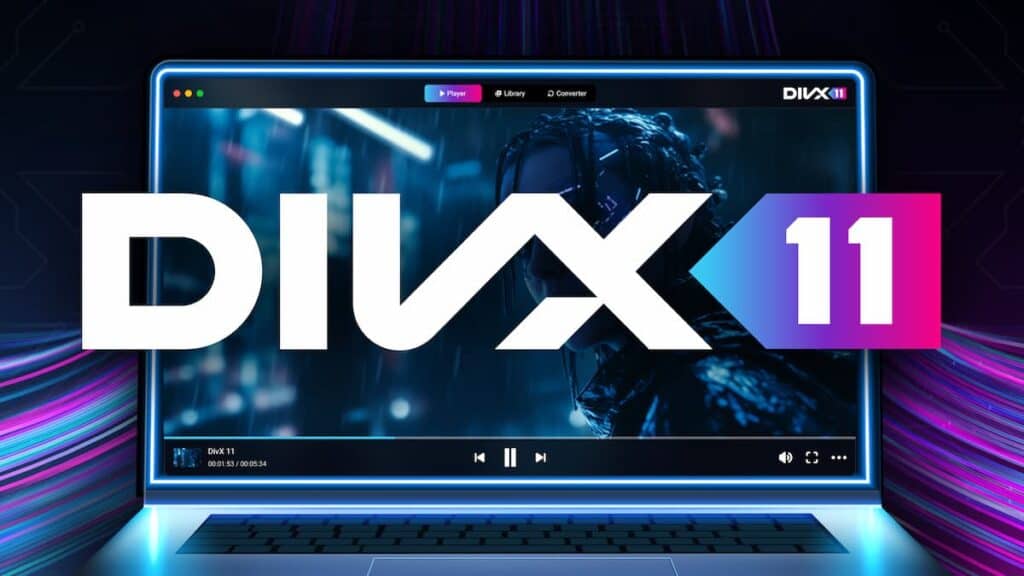
It’s impossible to talk about the AVI format without talking about DivX. For many of us, the reason AVI became so popular in the first place was because of DivX technology. This deep, historical expertise makes the free DivX Player more than just a player—it’s the definitive, purpose-built solution for a fantastic viewing experience.
What truly sets DivX apart is that it’s an entire video toolkit. The free DivX 11 Software gives you everything you need in one clean package, so you don’t have to hunt for separate programs.
- What it does best: Provides a complete, high-quality video experience. It’s for the user who wants flawless playback, a modern interface, and powerful extras without the hassle.
- Key Features:
- DivX Player: Plays DivX, AVI, MKV, and MP4 files beautifully, up to 4K resolution.
- DivX Converter: A super-simple tool to convert your files. Need to turn that AVI to MP4 for your phone? Just drag, drop, and you’re done.
- DivX Media Server: Stream videos directly from your computer to your Smart TV, PlayStation, or Xbox. No cables, no fuss.
- The Bottom Line: For the vast majority of users, DivX is the one to choose. It offers a polished, reliable, and comprehensive solution that other players don’t match.
VLC Media Player: The Specialist for Broken & Challenging Files
VLC is a legend in the open-source world and has earned a reputation as a player that can handle almost anything. Its greatest strength lies in its incredible resilience.
- What it does best: Playing damaged or incomplete files. If you have a video that was corrupted during a download or a file that won’t play anywhere else, VLC will often muscle its way through and play it.
- The Trade-Off: VLC is incredibly powerful, but its interface is very engineering-centric. Finding a specific setting can mean digging through multiple levels of complex menus, which isn’t always consumer-friendly.
- The Bottom Line: VLC is a fantastic tool to have in your back pocket. Think of it as the specialist you call when you have a truly problematic file that nothing else can handle.
Media Player Classic – Home Cinema: The Lightweight Choice for Older PCs
Media Player Classic (MPC-HC) is a no-frills, community-driven player that excels at one thing: being incredibly lightweight and efficient.
- What it does best: Running perfectly on older or less powerful computers. If you want to turn an old laptop or desktop into a dedicated media playback machine, MPC-HC is an amazing choice. It uses very few system resources, ensuring smooth playback even on aging hardware.
- The Trade-Off: Its interface is very basic, and it lacks the advanced, all-in-one features of the DivX suite. It’s a simple player for a simple job.
- The Bottom Line: If you’re working with an older Windows system and need a player that is fast and light, MPC-HC is your champion.
The Right Player for You: At a Glance
|
|
|
How to Install Your AVI Player (It’s Easy, I Promise)
Installing a reputable player is perfectly safe and only takes a minute. The golden rule is to always download it directly from the official website.
Here’s how to install the free DivX player:
- Head to the Official Site: Open your browser and go straight to the official DivX.com software page. This is the only place you should get it from to guarantee it’s a safe free AVI player.
- Download the Installer: Click that big “Free Download” button.
- Run the Installer: Find the file you just downloaded and open it. A simple setup wizard will pop up and guide you.
- Choose Your Tools: The installer will ask if you want the Player, Converter, and Media Server. I recommend keeping all three to get the full all-in-one experience.
- Finish and You’re Done! Once it’s finished, you can launch DivX Software and finally watch that AVI file. See? Painless.
The Final Verdict: The Best Tool for a Flawless AVI Experience
Choosing a media player isn’t about finding one that’s “best” at everything; it’s about picking the right tool for your specific needs.
If you have a broken file that just won’t play, grab VLC. If you’re reviving an old computer to be a movie machine, MPC-HC is your friend.
But for the best day-to-day, all-around experience—for high-quality playback, easy file conversion, and streaming to your TV—the choice is clear. DivX provides the most complete, polished, and user-friendly solution in a single, free package.
Ready to finally solve your AVI problems for good?