MKV to MP4 Conversion: A Step-by-Step Guide for Beginners
Have you tried to play a video on your TV or phone only to be met with an error message? If the file has an .mkv extension, you’re not alone—and there’s a simple, one-click fix.
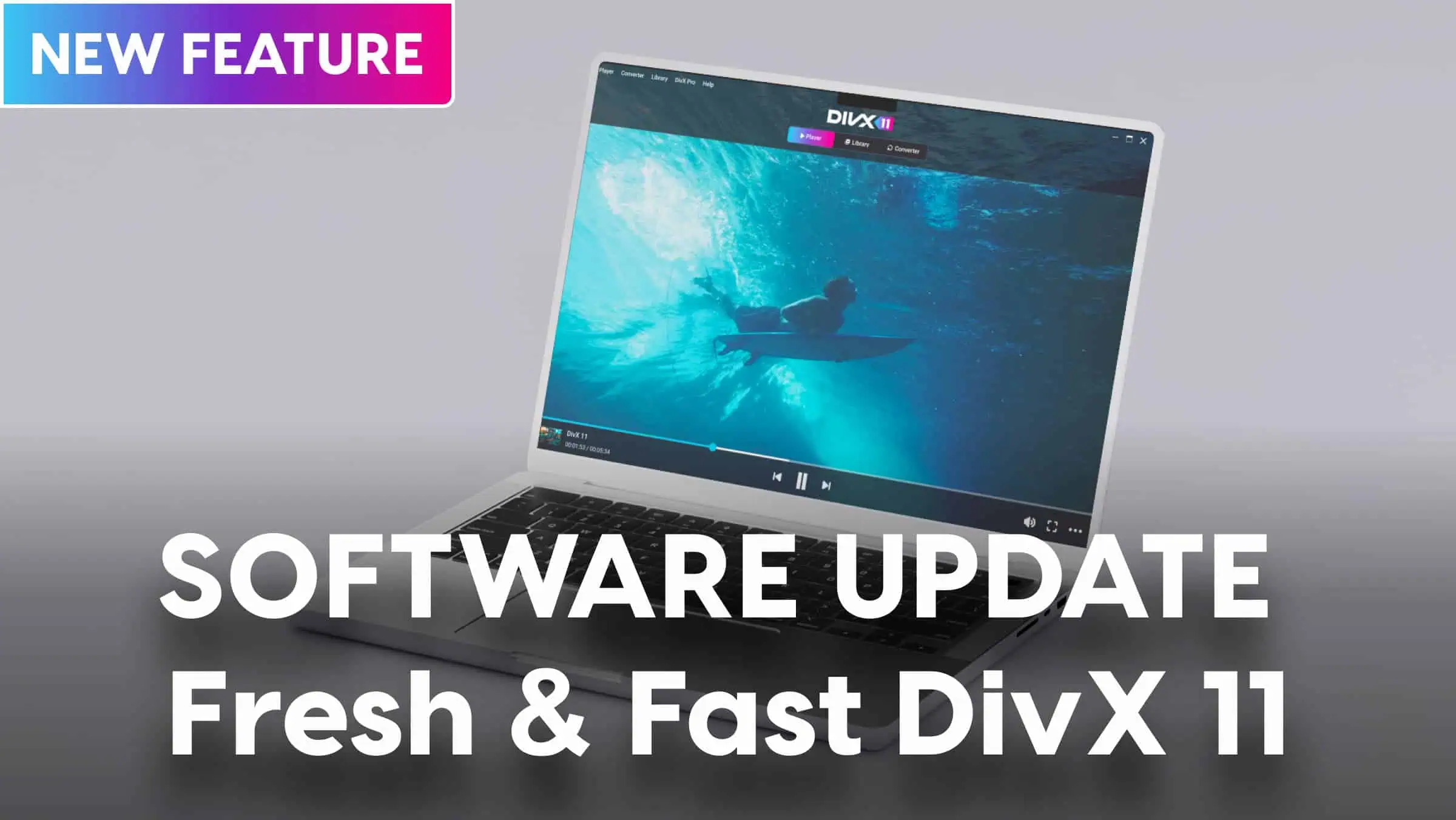
This guide is designed for anyone looking to convert video. We will walk you through a simple, non-technical, step-by-step process for converting your MKV files into the universally compatible MP4 format. You don’t need any advanced skills, and the best tool for the job is completely free. We believe in making easy MKV to MP4 conversion accessible to all, and we’ll show you exactly how to do it using the most straightforward tool available: DivX Converter.
Ready to make your videos playable everywhere?
To follow along, download the free DivX Converter now (part of DivX Software) and see how easy it is.
What Are MKV and MP4? (The Simple Explanation)
Before we start, let’s quickly demystify what these file types even are. Don’t worry, this is simple!
Think of video files as different types of shipping boxes for your video content. The video and audio inside are the same, but some delivery services (like your media player or TV) only accept certain types of boxes.
- MKV (Matroska Video): MKV is the flexible, “do-it-all” box. It’s fantastic because it can hold many things at once—high-quality video, multiple audio tracks (like different languages), and several subtitle files, all in one place. The only downside? It’s not a universal standard, so many devices and platforms don’t accept it.
- MP4 (MPEG-4): MP4 is the “standard shipping” box. It’s accepted by virtually every device, software, and online platform in the world, from your iPhone and Android to your PlayStation and YouTube.
DivX Converter specializes in expertly and safely repacking your video from an MKV box into a perfect MP4 box, ensuring it arrives safely and plays perfectly everywhere you need it to.
The Easiest Way with DivX Converter (The Recommended Method)
While there are other options out there, DivX Converter is the ideal tool for beginners. Its clean interface, optimized presets, and simple process remove all the guesswork. Here’s how to convert MKV to MP4 step by step with DivX.
Step 1: Add Your File
Open DivX Converter. The easiest way to add your video is to simply drag your MKV file from its folder and drop it directly into the converter window.
Step 2: Choose Your Profile
This is where the magic happens. Instead of fiddling with confusing settings, just select a pre-made output profile. You’ll see DivX Certified profile options as well as “iPhone,” “iPad” or “PlayStation.” For general use, the “MP4” profile is the perfect choice for creating a video that will play everywhere.
Step 3: Start Converting
Once you’ve selected your profile, simply click the “Convert All” button. DivX takes care of all the complex technical settings for you, ensuring a high-quality, compatible video file.

Step 4: Enjoy Your Video!
In just a short time, your new video will be ready. You can find your universally compatible MP4 file in the output folder, ready to be played, shared, or edited without any hassle.
Understanding Other Free Alternatives
It’s good to know what other tools exist so you can be confident in your choice. While other programs can work, they often require more steps or technical knowledge, making them less ideal for a quick and simple conversion.
- VLC Media Player: Many people have VLC, but its conversion feature is buried in menus (“Media” > “Convert / Save…”) and requires several steps to configure correctly. It’s not as intuitive or streamlined as a dedicated tool like DivX Converter.
- Online Converters: These websites let you upload a file and convert it in your browser. While you don’t have to install software, this comes with significant risks. You are uploading your video file to a third-party server, which poses privacy and security concerns. They also often have strict file size limits. A trusted desktop application like DivX Converter keeps your files securely on your own computer.
You’re Now a Video Converter!
That’s all it takes. As you can see, DivX Converter streamlines the entire process of turning an incompatible MKV file into a universal MP4 into just a few simple, stress-free clicks. You no longer have to worry about whether your video will play—it just will.
Ready to convert your videos without the hassle? Download DivX Converter for free and get started now!
Want to learn about more advanced options and the technical side of video? Explore our Ultimate Guide to Converting MKV to MP4 for everything you need to know.